
PSAC - PlayStation Accessibility Controller
OVERVIEW
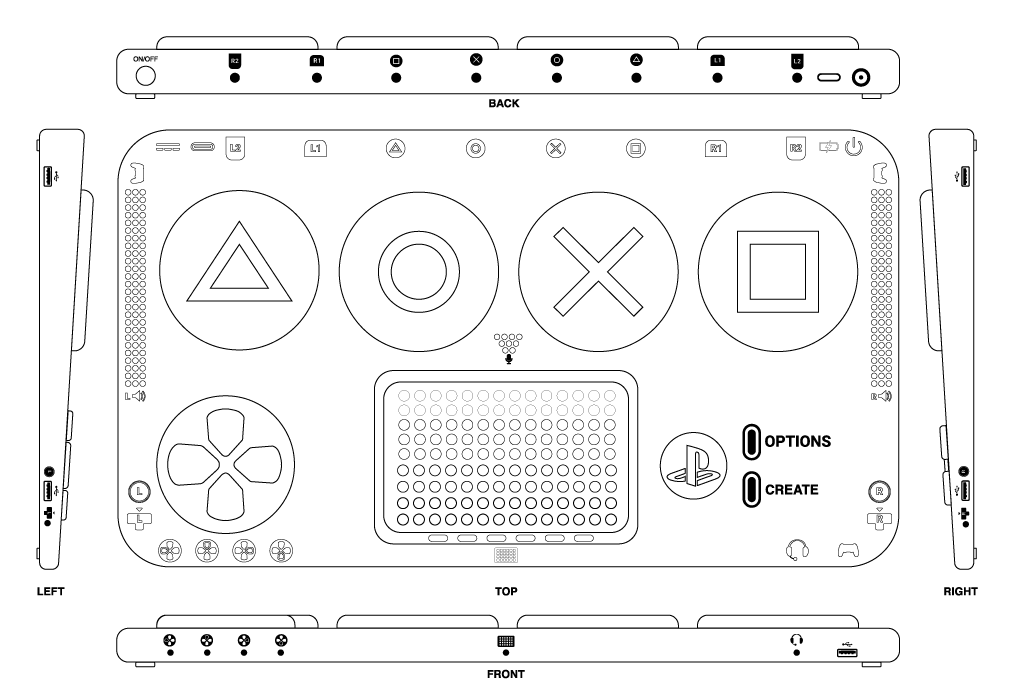
The PlayStation Accessibility Controller (PSAC) explores the possibility of a hardware solution, bringing game accessibility to the PlayStation ecosystem. Incorporating the functionality of the DualShock 4 and DualSense controller.
PLATFORM
PlayStation 4 / 5
TOOLS
Illustrator, Fusion 360, Dimensions, Photoshop
SCOPE
12 Weeks
ROLE
Product Designer
Background
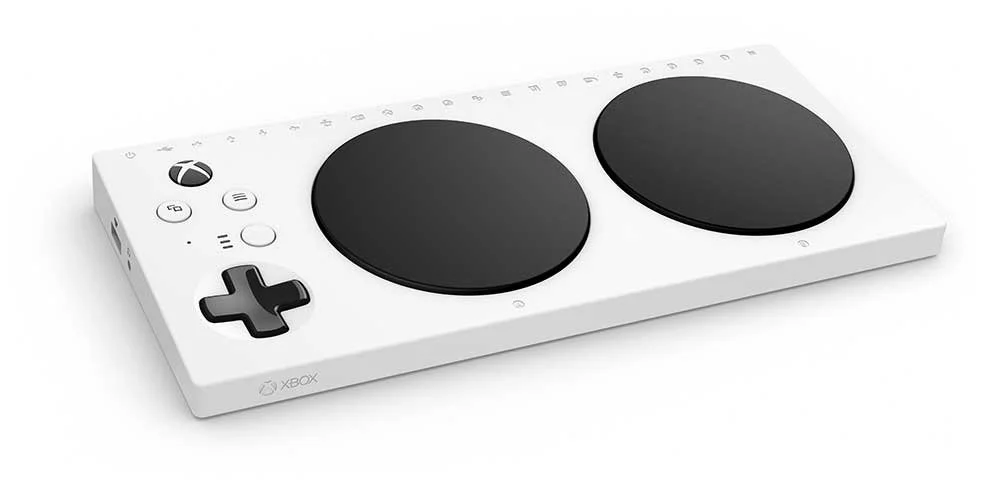
The biggest momentum shift in game accessibility started the last generation with the Xbox Adaptive Controller (XAC). While the device will be forward compatible with the upcoming Xbox Series X, PlayStation is missing its own official hardware solution.
As I’ve become more aware and learned the importance of game accessibility, I want to be an ally in the space. From hearing people speak on the subject at events like #a11yto, GDC Summer, GA Conf, and Microsoft Ability Summit 2021; it’s important to reduce the barriers on the hardware and software side of gaming.
After watching a recent video on Kinda Funny Games' PS I Love You XOXO (38:56 - 1:00:34), a discussion around the XAC and PlayStation's decision on Dualshock PS4 controllers compatibility on PS5; I took to Twitter to express my thoughts:
A thread by Jason Das
Interesting discussion on @KindaFunnyVids w/ @GameOverGreggy @BlessingJr recent #PSILoveYouXOXO on @PlayStation not allowing DualShock 4 to not work with PS5 games. Originally I thought it wasn’t a big deal, but I didn’t take into account how it would factor for accessibility. 👇🏾
Weight, colour, hearing, speech audio, touch control, haptic feedback are the experiences gamers are expected to get from DualSense. However, not everyone’s senses are able to translate that. It’s not just about mapping the buttons. For PS5 to be compatible with Xbox Adaptive Controller, you need an additional adapter. After doing a quick search the Titan2 goes for $200 CDN! The XAC is right now $130 CDN. This doe not include the individual buttons you’ll need to purchase separately approx $10/button
Accessibility should take into account the cost. You’re already pricing out a segment of your gaming base for just a 1 player audience. For their setup XAC + Titan2 at approx $330 + 20 buttons (PS4 button config) / $10 = $200 Total cost $530??? vs PS4 Dualshock at $75 CDN. Albeit you probably won’t need to remap or use all 20 buttons but that’s really a case-by-case scenario. This is what I would have hoped Sony engineering team would take into account. Creating the DS4 trigger add-on only works if you personally can use the grip of the form factor
Although I love how Sony’s 1st party studios like @Naughty_Dog with The Last of Us: Part 2 (TLOU2) did with accessibility features and recently @SuckerPunchProd (Ghost of Tsushima), its looks like software accessibility is being addressed; now it’s time for hardware accessibility. Maybe I’m jumping to conclusions. Maybe Sony has a patent-pending somewhere out there for their own accessibility adaptor. Having been deep diving into the work of game UX and game accessibility, I’m more engaged in just photoshopping my own adaptive controller.
The Problem
The current PlayStation DualShock 4 consists of a layout of 20 buttons. The DualSense introduced for PlayStation 5 also has 20 buttons. As well with new immersion technology in haptic feedback and adaptive triggers.
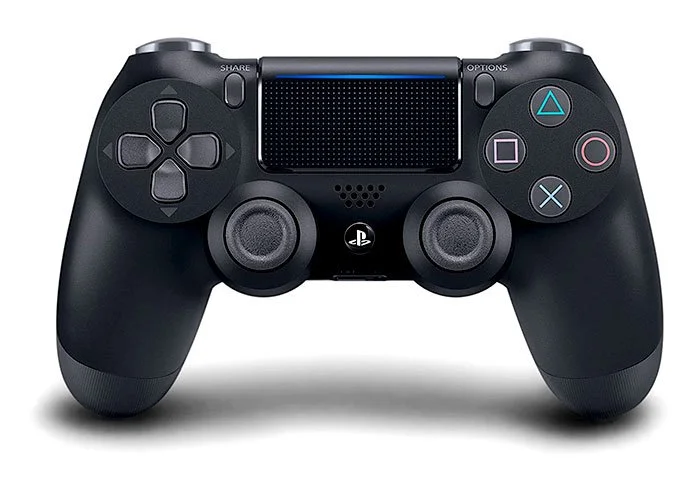
DualShock 4
Color LED light bar
Touchpad with click button function
3.5mm audio input
Audio speaker
Share / Create button
Vibration
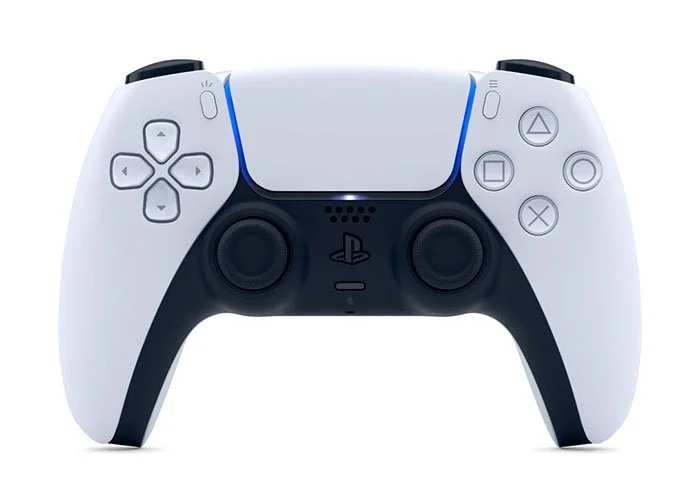
DualSense
Revised LED light bar design
Full array microphone
3.5mm audio input
Audio speaker
Share / Create button
Haptic Feedback
Force Triggers
Can these controller features and new experiences be mapped to a universally accessible hardware device? What would that look like, and what added benefits would be welcomed additions?
The Solution
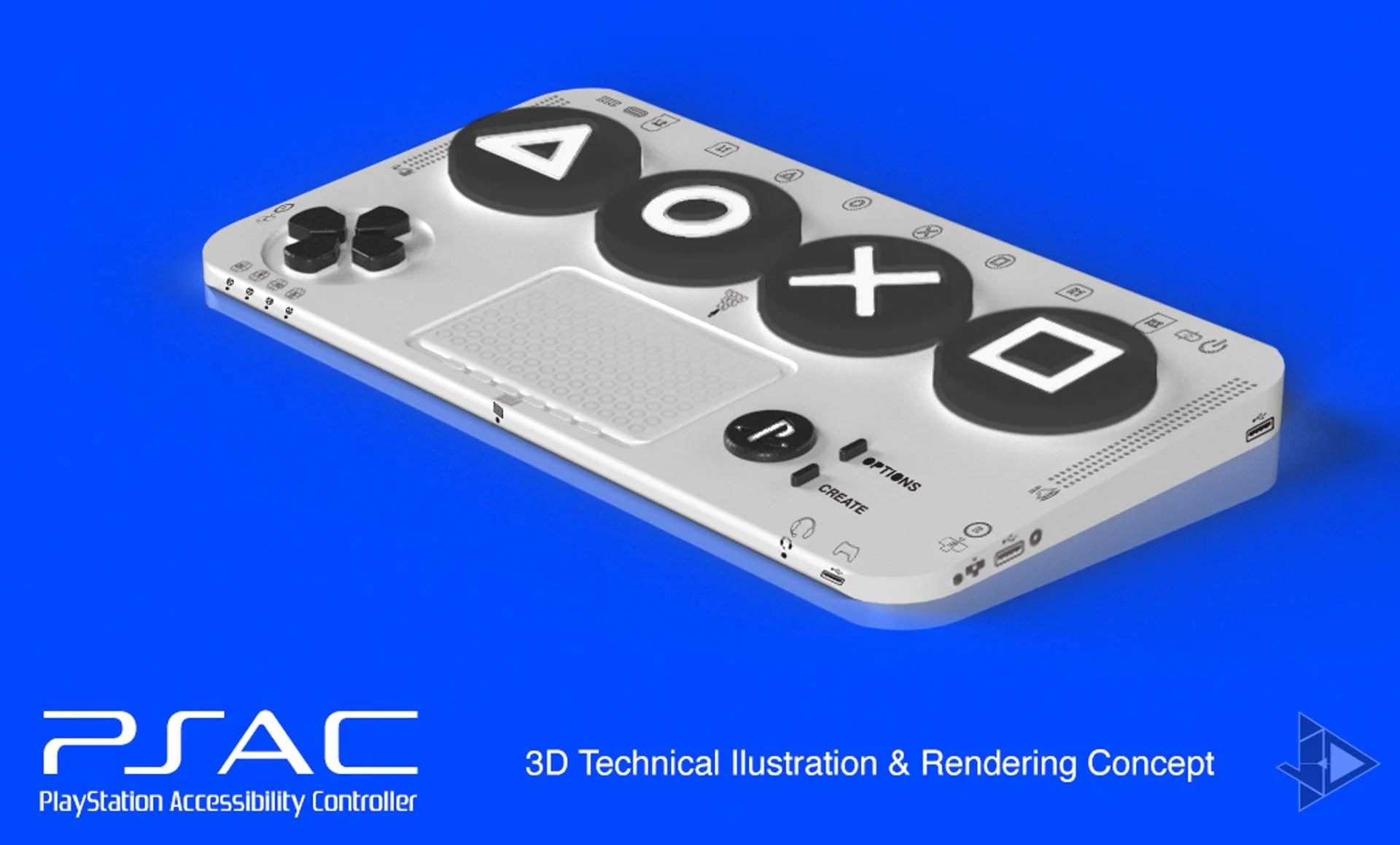
What came to mind was to create a peripheral to enable game accessibility to the PlayStation game console ecosystem. A simplified controller with large variety of analog inputs for custom button and switches. The addition of USB input allows to draw on old generation peripherals from PlayStation. Many games employ the standard 4 facing buttons (Square, Triangle, Cross, Circle). Offering them as enlarged buttons with monochrome light notification versus the DualShock smaller size face buttons.
Research & Process
One of the most important parts of this case study was putting my biases aside for how to approach game accessibility. This was a new area I was stepping into. Although I went in with good intentions, I had to empathize and put my assumptions aside. I needed input from the actual users who deal with accessibility challenges on a daily basis. Unfortunately, I was stumped about where to find people to ask to complete the user survey I was crafting. I posted on Twitter hoping someone would come across my survey. Thankfully a user in the disabled gamer community reached out to me and suggested to post on Reddit in the /disabledgamer subreddit.

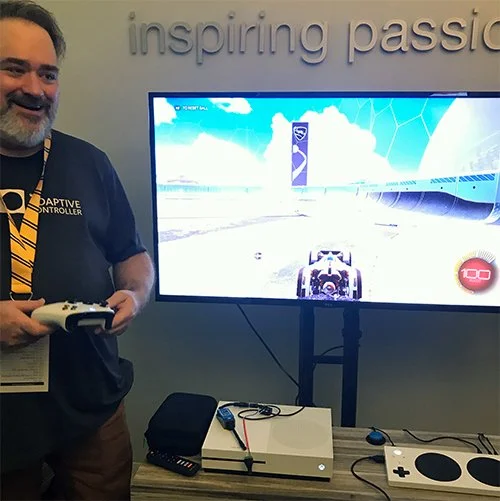
XAC Demostration
I got my first hands-on demonstration with the co-creator of XAC, Bryce Johnson during a playthrough at #a11yTO Gaming.
I found out the features that were capable on with the hardware, as well as settings that be set up on an Xbox. This is where I learned about Screen Reading and Co-Pilot, which allows a second player to interact with the first player’s controls.

Electronics 101
The XAC utilizes 3.5mm audio jack connections to add various buttons and switches. The audio jack sends an on and off signal, which is simple information for the device to compute. This simplifies input, but keeps costs down in the device's production and backwards compatibility.
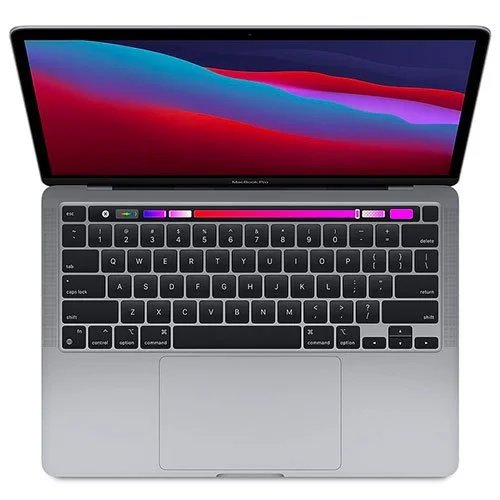
Form Factor
The form factor of PSAC, is based on a MacBook Pro 15” laptop. A large trackpad for ample movement and touch surface. The base consists of a titled/raised design, similar to a keyboard.
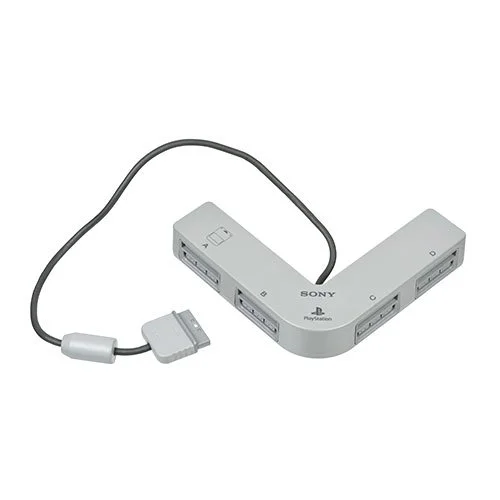
Past Peripherals
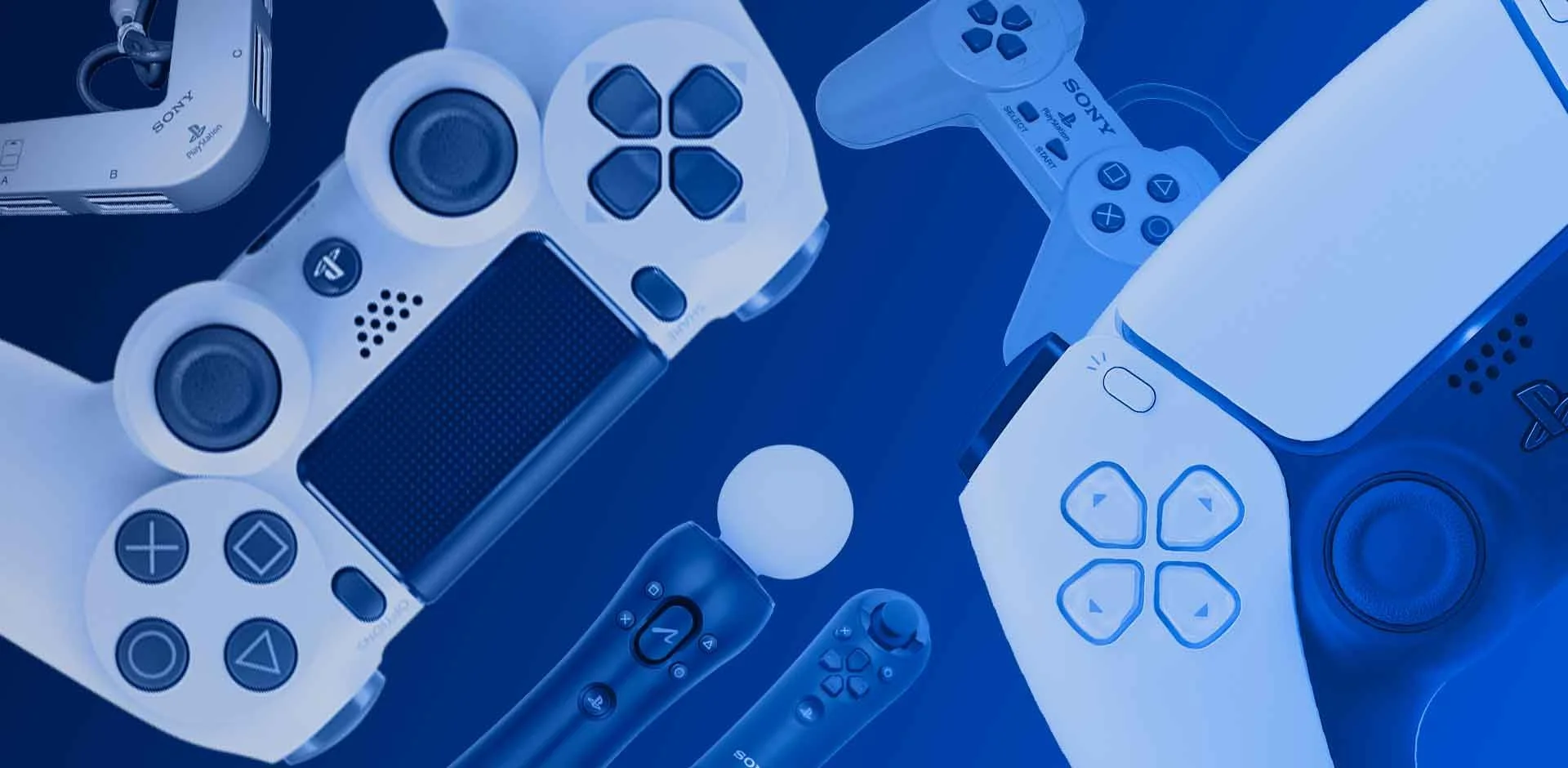
The USB ports can enable PSAC to operate as a charging dock for accompanying DualShocks, as a multiplayer adaptor. This was inspired by an old peripheral from the PlayStation 1 and PlayStation 2 called the Multi-Tap. Enabling the co-pilot option, more people could partake in the interaction.
Fusion & Dimensions
Originally I was only planning to do a technical drawing using Adobe Illustrator. I decided to push my skill set, I wanted to incorporate a 3D design.
With my recent interest in 3D printing I decided to go with Autodesk Fusion 360. From there I did some texture mapping and lighting using Adobe Dimensions. The labels were created using Stephan Dubé’s custom DualShock 4 font set.
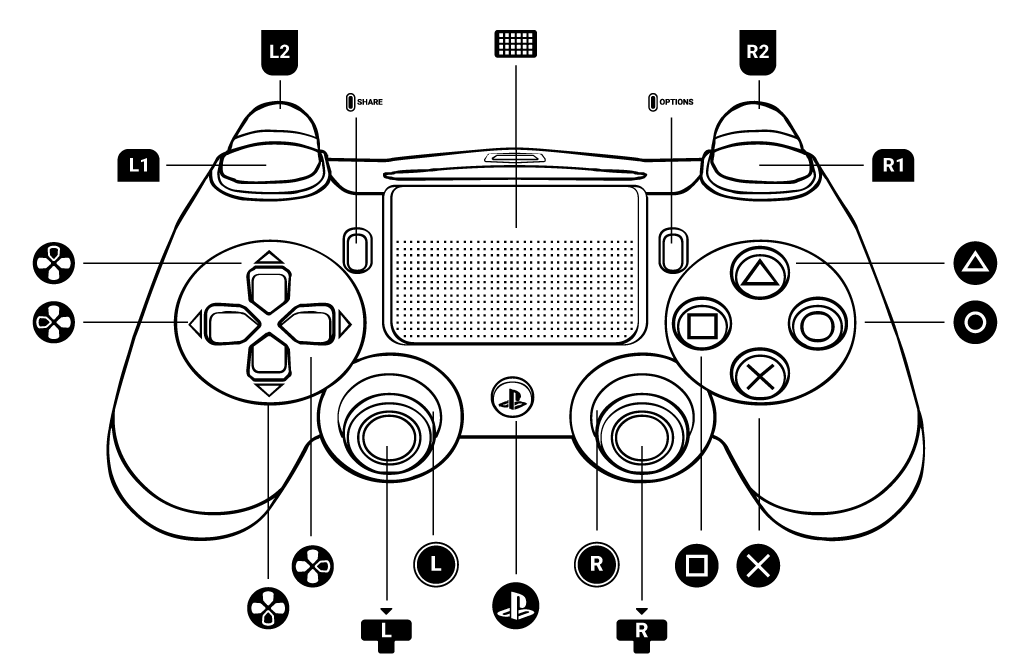
Conclusion
Key Takeaways
I feel the ideal and concept around the PSAC works on paper as I took into account the current DualShock 4 scheme. From my limited usage of the DualSense, I feel the PSAC addresses some of the features, with the exception of haptic feedback and force triggers.
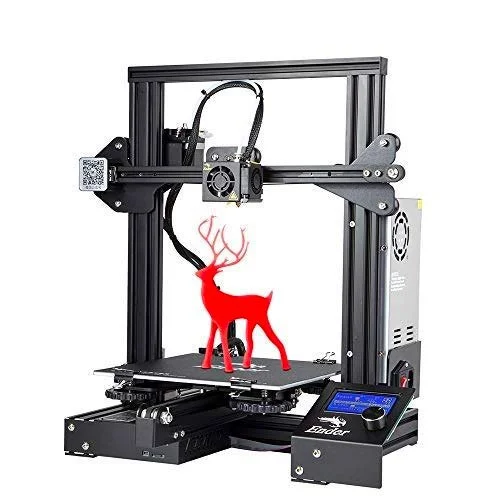
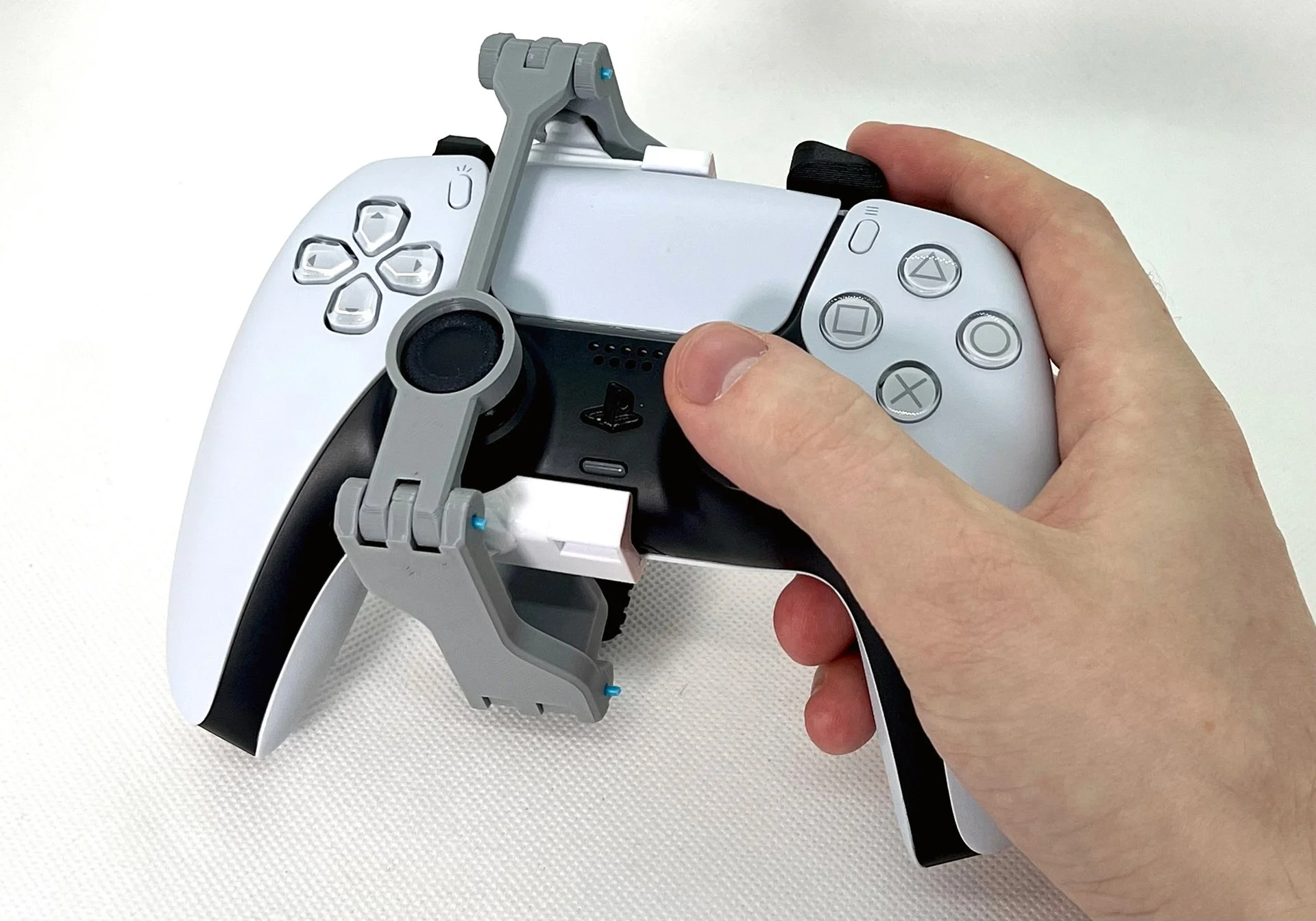
3D Print Prototype - One of the bigger takeaways is how the 3D printing community has stepped up to provide assistance to the disabled gaming community. I’ve come across people who’ve volunteered to 3D print buttons and switches to meet individual needs. Along with community members have 3D design and print attachments.
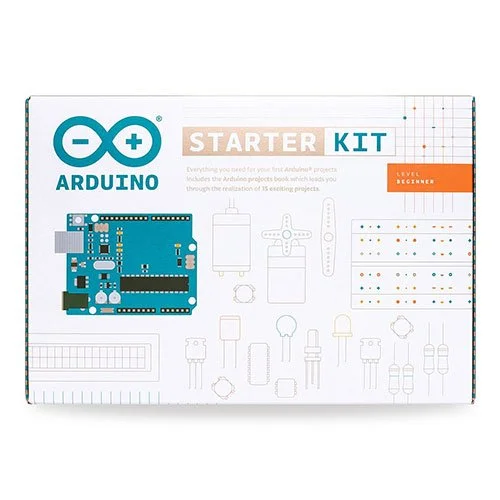
Aurdino Kit - I’ve been learning about the advancements in creating an IoT machine using the Aurdino chipset. It’s a maker kit of electronics, as Raspberry Pi is for computing. Could a working prototype be feasible?
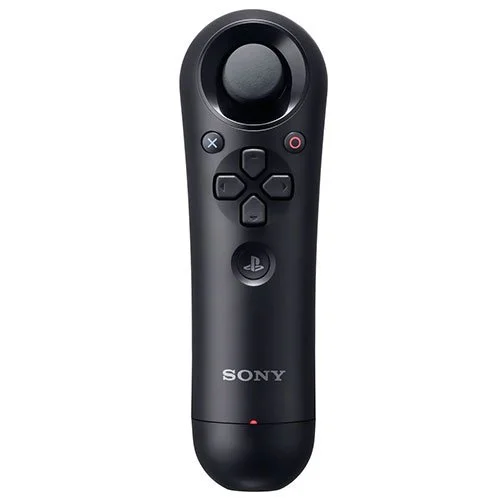
Backwards Compatibility - Older PlayStation devices like the Navigational Controller could find use with the PSAC. Similar to its form factor like the Nintendo Wii-mote “Nunchuk”, this device can provide a one-handed analogue input via USB. From my earlier use with the XAC, I played Rocket League with a one-hand analogue controller.

Share Factory - I thought about custom keyboard layouts and was reminded of how video and motion graphic artists use coloured keys for timeline editing. Using the PSAC large face buttons and trackpad could provide an easier interface to edit video capture and photos saved. The downloadable app Share Factory can give accessibility options to create and share gaming content.
Results
I hope this case study ignites the conversation and pushes forward to make progress in game accessibility. It’s important to tackle the issue on both the software and hardware fronts. With an aging population and the ever-changing ways we interact with games, our needs will need to adapt.
On-Screen Onboarding - I would like to further explore a prototype for the PS4 and PS5 consoles. How would the onboarding experience for the PSAC work? Such as button mapping and enabling accessibility features usages.
Disabled Gamer User Testing Sessions - The PSAC needs proper formal user testing sessions with disabled gamers. It cannot be justified to test the PSAC, without having formal input from your core user base. It will help verify that the ergonomics and industrial design of the PSAC can be used in its proposed form.
A 3D printed one hand control adapter for the DualSense created by Akaki Kuumeri
Special thanks go out to Stephan Dube for creating the PS4 DualShock & Xbox One Controller Font Set.
You can download the font collection for your personal use from here.